

Shopify AI Search
Search that understands your shoppers
Let shoppers search your store by meaning, by what products look like, or with a photo. It works with your current theme.
100 free credits on sign up. No card required.
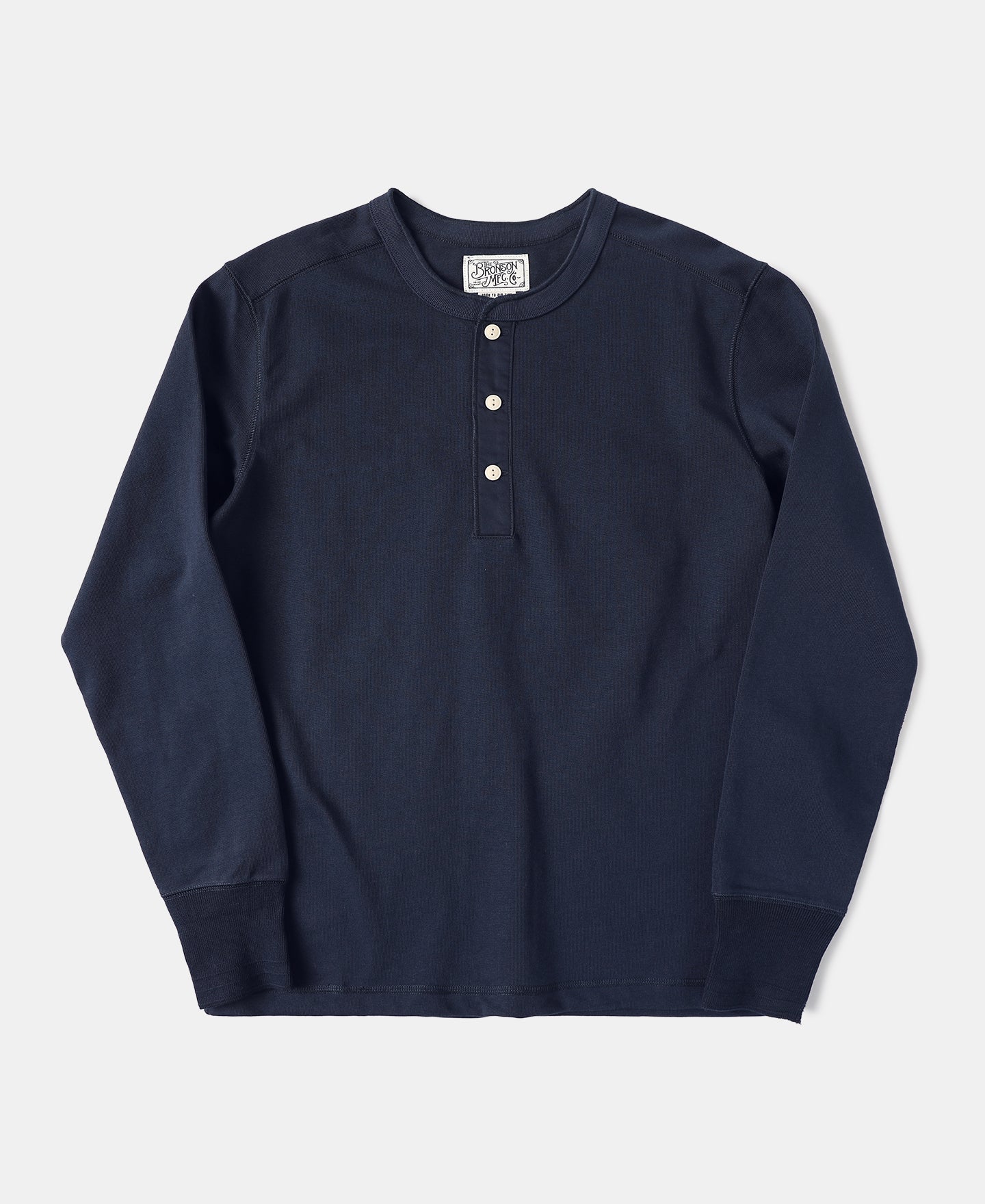
Navy henley
$48
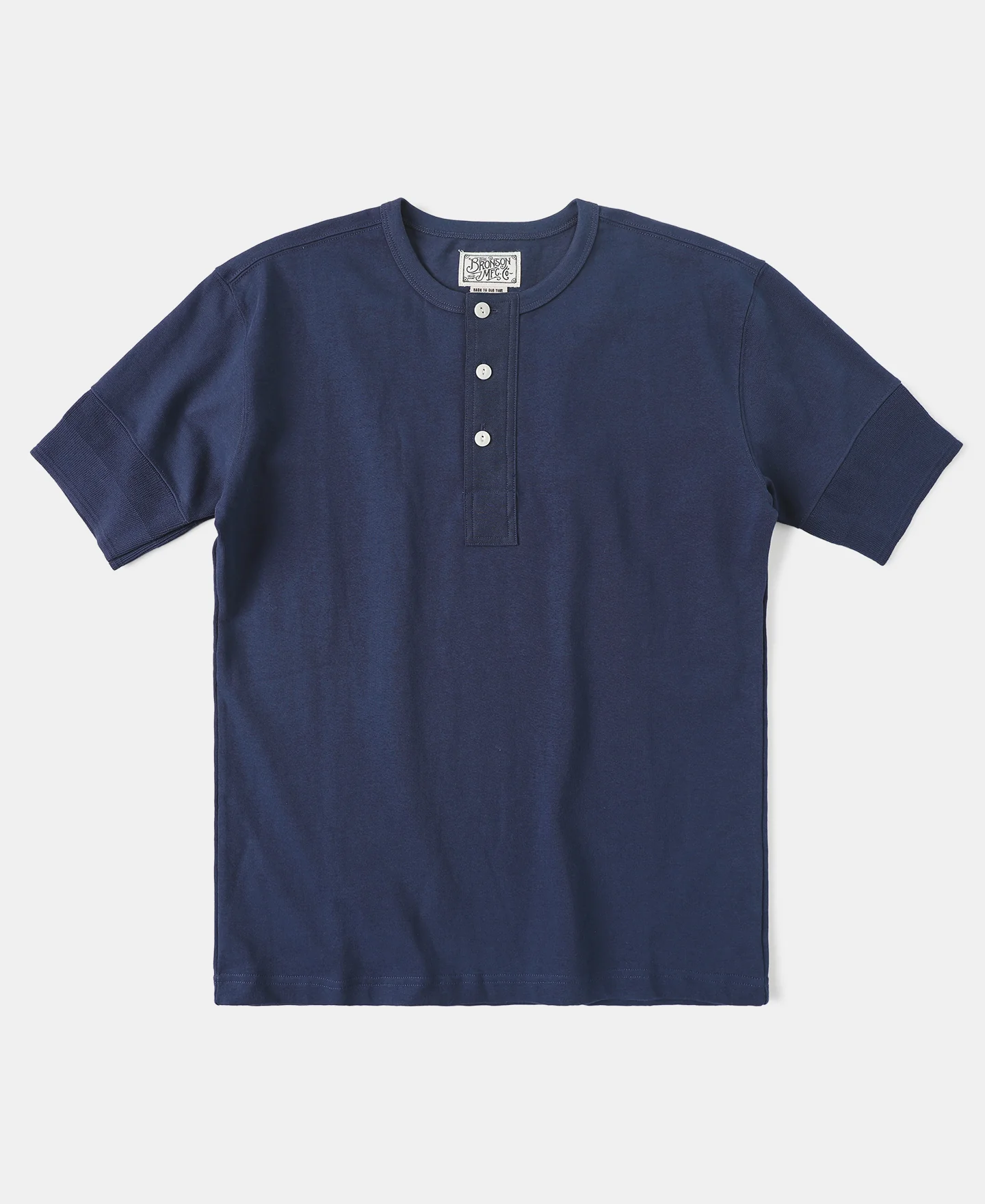
Cotton henley
$42
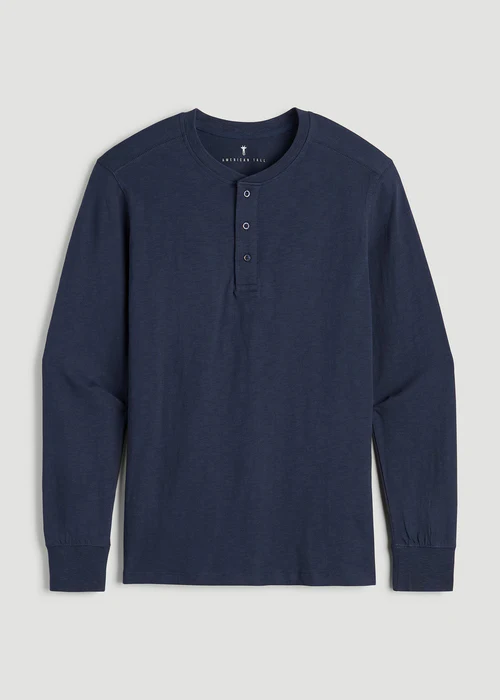
Slim-fit henley
$45
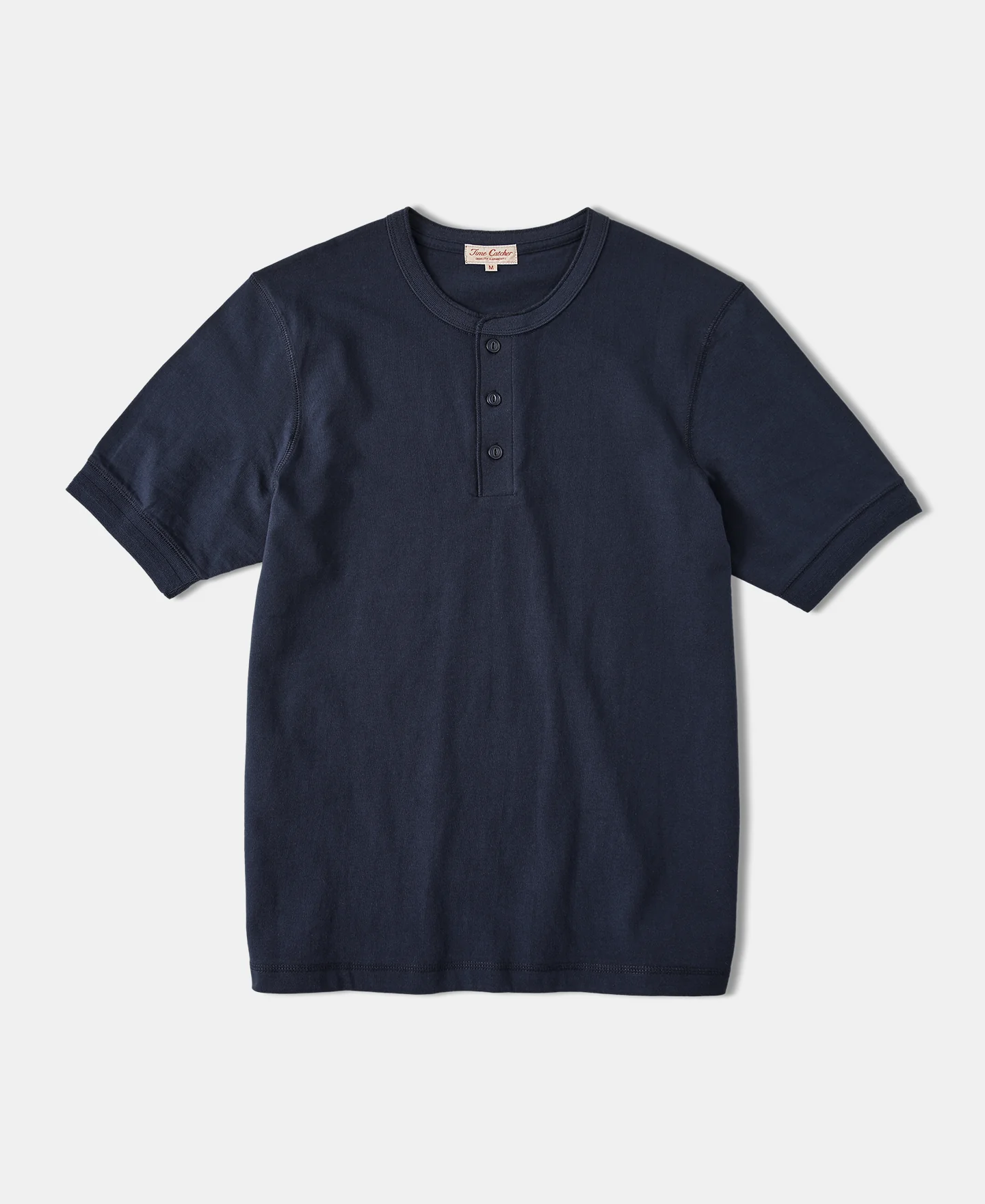
Ribbed henley
$52
Three ways to search your Shopify store
Text to text
Search by meaning
Typed searches match product titles, descriptions, tags and vendors, even when shoppers use different words.
Text to image
Search what photos show
Typed searches match what product photos look like, such as colors, patterns and styles.
Image to image
Search with a photo
Shoppers upload a photo and get visually similar products from your catalog.
Turn on any mix of the three. Each one you turn on uses 1 credit per search.
Shoppers rarely type your product titles. Vecstore finds what they mean anyway.
Fewer zero-result searches. Close matches show up even with no shared keywords.
Forgives typos. Misspelled searches still land on the right products.
Any language. Shoppers can search in their own language.
Adding AI search to Shopify takes a few minutes.
All you do is 1 install the app, 2 pick your databases and 3 turn on search in your theme.
Enter your store name and approve the app. Your catalog starts importing right away.
One step in the dashboard. Type your store name and Shopify asks you to approve.
Always in sync. New products and changes to prices and stock sync on their own.
Choose a text database, an image database, or both. Then pick which search types to turn on.
Text database
Powers search by words. Matches titles, descriptions, tags and vendors.
About text search →Image database
Powers search by look. Matches what product photos show, or a photo shoppers upload.
About image search →Add search to your theme from the theme editor. Works with any Online Store 2.0 theme.
Search popup app embed
Instant results and photo search when shoppers open your store's search.
henley sh
Navy henley
Cotton henley
Slim-fit henley
Results page app block
Replaces your search page with Vecstore results, plus brand, type and stock filters.
Filters
Brand
Type
In stock
Each step has a one-click button in the Vecstore dashboard.
Connect your store →Shopify integration questions
What does the Vecstore Shopify app do?
It replaces your store search with AI search. Shoppers can search by meaning, by what product photos look like, or by uploading a photo. Your products sync into Vecstore on their own.
Do I need to write any code?
No. You install the app, pick your databases in the Vecstore dashboard, then turn on the search popup and results page in the Shopify theme editor.
Does it work with my Shopify theme?
Yes. The search popup is an app embed and the results page is an app block, so they work with any Online Store 2.0 theme and can be added from the theme editor.
How do products stay in sync?
When you connect a store, Vecstore imports your products. After that, new products and changes to prices and stock in Shopify sync automatically. You can also resync any time from the dashboard.
Can shoppers search with a photo?
Yes. Turn on image to image search and the search popup lets shoppers upload a photo to find visually similar products.
How much does it cost?
Each search type you turn on uses 1 credit per search. You get 100 free credits when you sign up, no card required. See the pricing page for plans.
Can I connect more than one store?
Yes. Connect as many stores as you want from the Integrations page of the dashboard.

Better search for your Shopify store in minutes, without code.

3–4ms average search latency
100 Free credits. No credit card required.