

S3 & R2 Image Search
Search every image in your bucket
Connect Amazon S3 or Cloudflare R2, and find any image by describing it or by showing a similar one.
Your bucket
s3://shop-media/products/
- Images
- 3,000
- Region
- us-east-1
- Last sync
- 2 min ago
 products/bp-1180.webp Imported
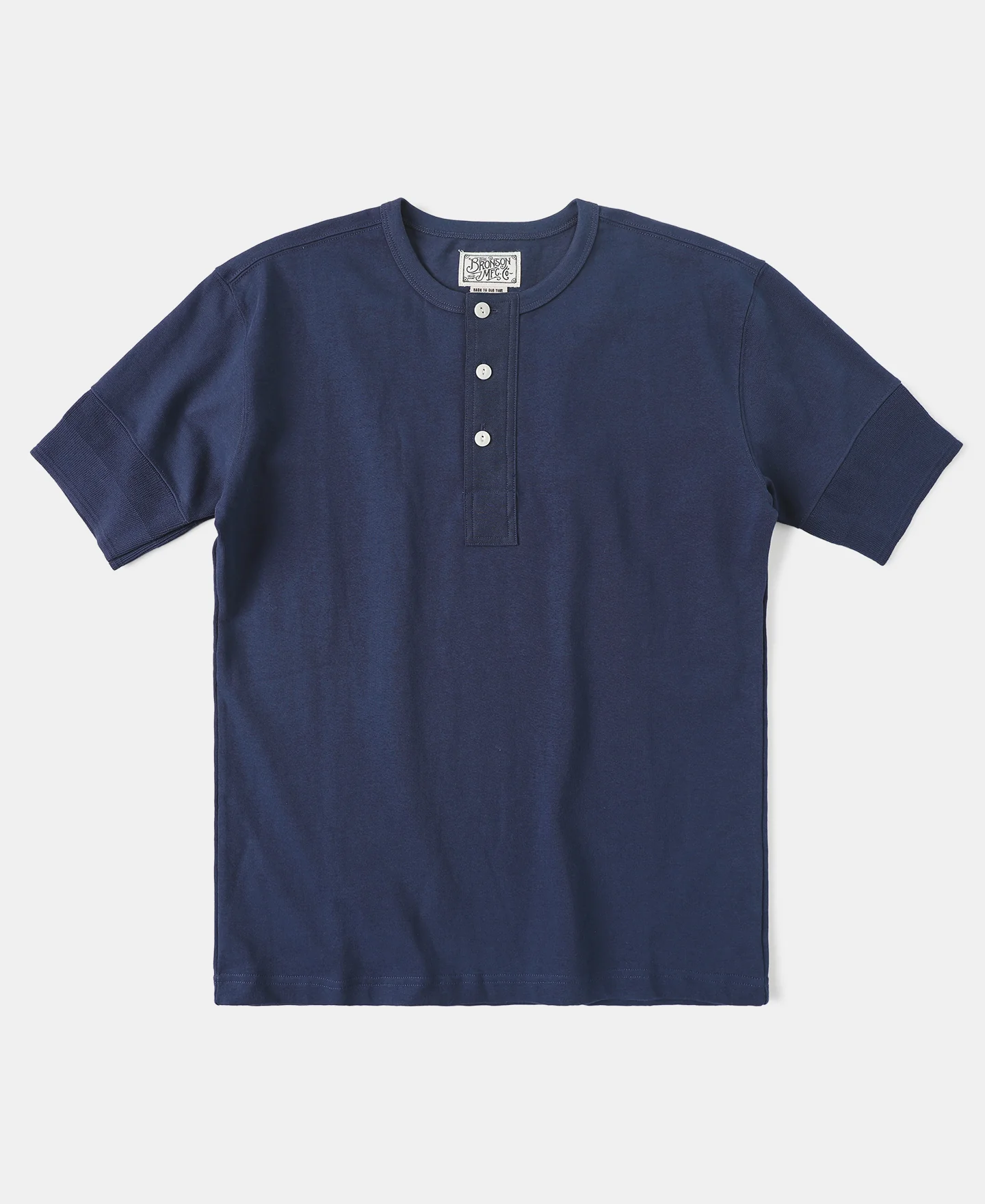 products/hn-0204.webp Imported
 products/bp-1042.webp Imported
 products/bp-1297.webp Imported
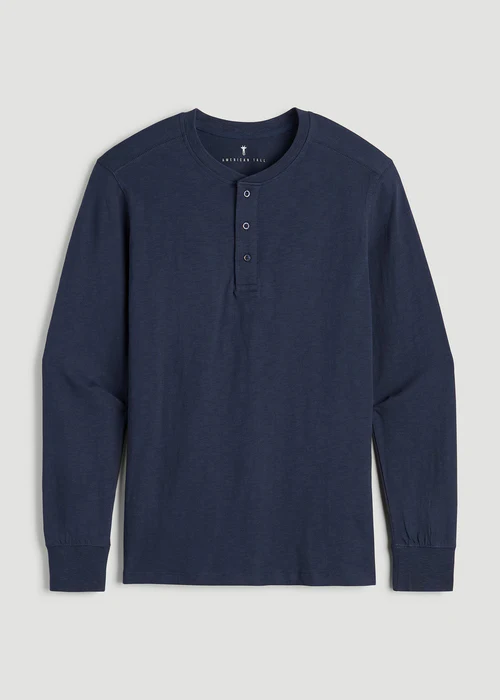 products/hn-0311.webp Queued
Search
- 1
bp-1180.webp
- 2
bp-1042.webp
- 3
bp-1297.webp
Ranked by how close each image is to the search.
What you get with the S3 integration:
3
ways to search
Your files stay where they are.
Works with your storage. S3, R2 or anything that speaks the S3 API.
One folder or the whole bucket. Only what's under the folder gets imported.
Read-only keys. We never write to your bucket.
Failed syncs resume from the image they stopped on.
Describe it and find it
File names like bp-1180.webp don't tell search anything. Vecstore looks at the picture, so a plain description is enough.
No files named "brown leather backpack"
Vecstorebp-1180.webp
bp-1042.webp
bp-1297.webp
Or search with a photo
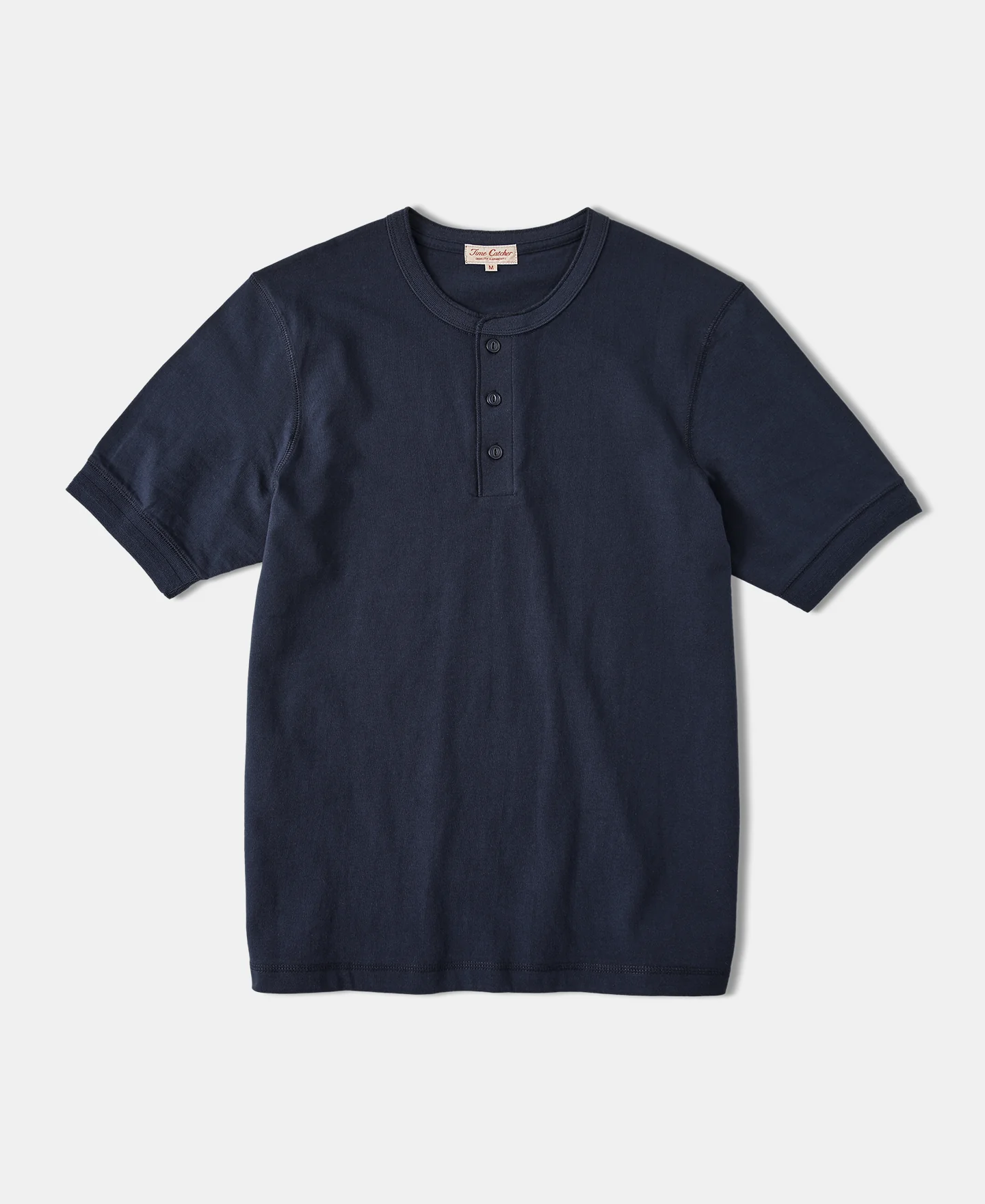
Upload a picture, or use one already in the bucket, and get the images that look most like it. Good for "more like this" and duplicate checks.
Photo
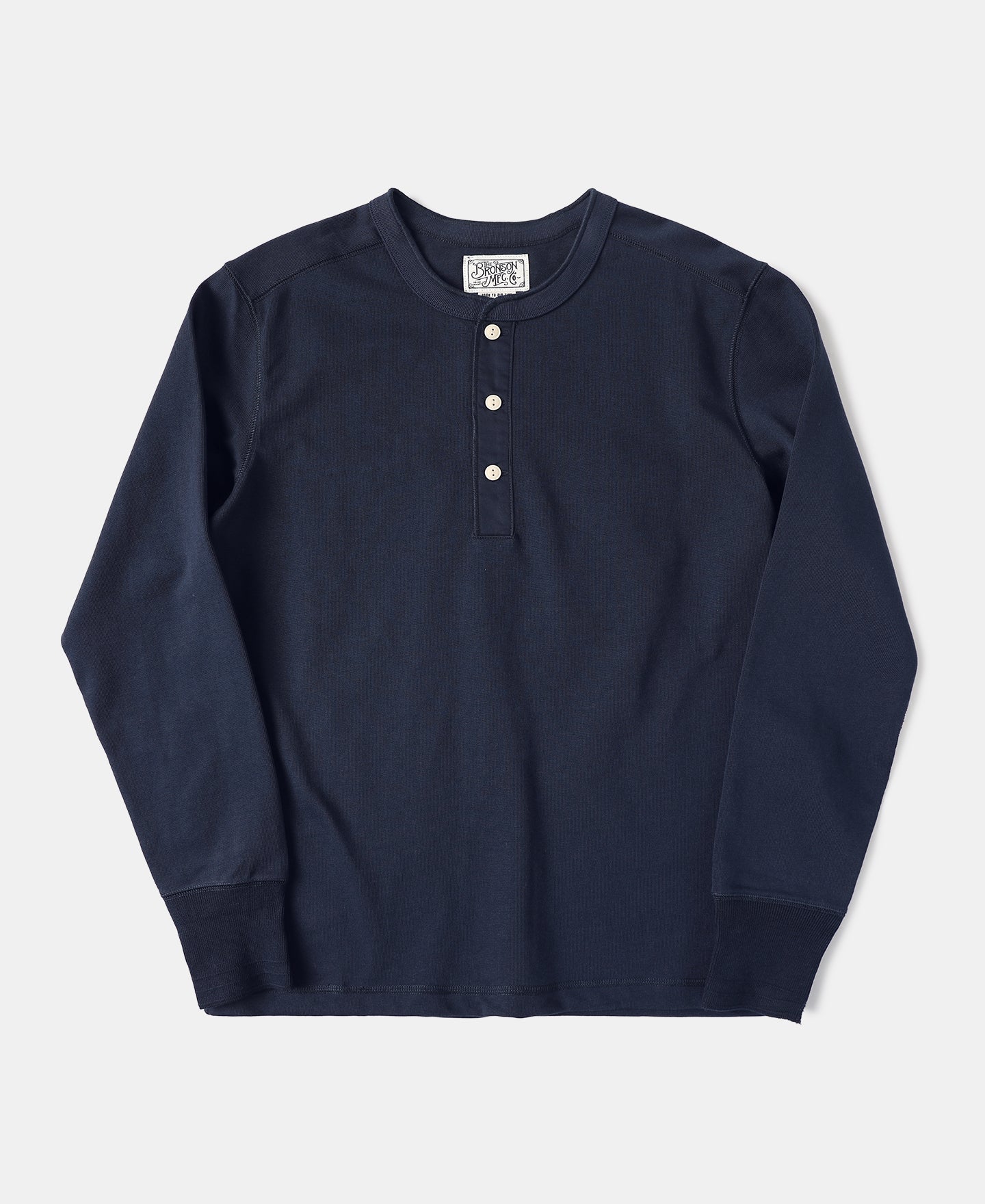
Closest matches
You decide when to sync
Imports new and edited images and removes deleted ones.
Run it after uploads, from a cron job or from the dashboard.
mode=changes
- products/bp-1311.webpAdded
- products/hn-0204.webpUpdated
- products/bp-0870.webpRemoved
Call it from your code at the end of an upload script or from a cron job.
POST /api/s3/{id}/sync?mode=changes
X-API-Key: your_api_key
→ 202 Accepted
Watch it run image by image in the dashboard, with skipped files counted.
1,260 of 3,000 · 2 skipped
Setting it up for the first time? The step-by-step guide covers keys, folders and syncing. Modes and errors are in the sync API docs.
Set up in the dashboard
- 1
Pick your storage
Amazon S3, Cloudflare R2 or another S3-compatible store.
- 2
Add the bucket and keys
Read-only keys work. They are checked before saving.
- 3
Choose a folder
Import one folder, or leave it empty for the whole bucket.
- 4
Pick an image database
The import starts right away and you can watch it run.
Connect a bucket
Bucket name
shop-media
Region
us-east-1
Folder
products/
Image database
Product images
S3 and R2 integration questions
What does the S3 integration do?
It imports the images in an Amazon S3 or Cloudflare R2 bucket into a Vecstore image database. Each image becomes one document you can search with words or with another image.
Does it work with Cloudflare R2?
Yes. Choose Cloudflare R2 when you connect, paste your account endpoint and add an R2 API token. Other S3-compatible storage works the same way, as long as the endpoint uses HTTPS.
Can I import only part of a bucket?
Yes. Set a folder such as products/ and only images under it are imported. Leave it empty to import the whole bucket.
What permissions do the keys need?
Only enough to list the bucket and read its objects. Vecstore never uploads, changes or deletes anything in your bucket.
How do new images get added?
Run a sync from the dashboard or call the sync endpoint from your own code. A changes sync imports new and edited images and removes ones you deleted. A full resync downloads everything again.
What happens if a sync fails halfway?
Fix the problem, such as expired keys, and retry. The sync picks up where it stopped instead of starting over. Images that could not be downloaded are counted as skipped and tried again on the next full resync.
How much does it cost?
Importing and searching use credits like any other Vecstore request. You get 100 free credits when you sign up, no card required. See the pricing page for plans.

Make every image in your bucket searchable.

3–4ms average search latency
100 Free credits. No credit card required.